

AI-generated code is everywhere. GitHub Copilot, ChatGPT, Claude, Gemini — these tools write functional code in seconds that would take humans hours. For developers, that’s incredible productivity. For professors grading computer science assignments, hiring managers evaluating coding tests, and open-source maintainers reviewing pull requests — it’s a serious problem.
How do you know if the code you’re reviewing was genuinely written by a human or generated by an AI? That’s exactly what an AI coding detector is designed to answer.
But here’s the uncomfortable truth most reviews won’t tell you: detecting AI-generated code is significantly harder than detecting AI-generated text. Code follows strict syntax rules, established patterns, and standardized conventions — making it inherently more uniform and harder to attribute to human or machine authorship.
I tested seven tools that claim to detect AI-generated code. Some impressed me. Most didn’t. Here’s exactly what I found.
Why AI Code Detection Is Harder Than Text Detection
Before diving into specific tools, understanding why this challenge exists helps set realistic expectations:
📝 AI Text Detection
- Writing style varies enormously between humans
- AI text often has detectable uniformity in sentence rhythm
- Vocabulary patterns differ between human and AI writing
- Perplexity and burstiness metrics work well
- Established detection models with 90%+ accuracy
💻 AI Code Detection
- Code follows strict syntax rules — less stylistic variation
- Best practices make human and AI code look similar
- Common algorithms have near-identical implementations
- Perplexity metrics less effective on structured code
- Detection accuracy significantly lower (60-80%)
If you’re also dealing with AI-generated text alongside code, our comprehensive review of the best AI detectors for written content covers tools that achieve significantly higher accuracy on prose, articles, and essays.
How I Tested These AI Coding Detectors
To provide genuinely useful results, I ran each AI coding checker through four categories of code samples:
| Sample Type | Description | Expected Result |
|---|---|---|
| 100% Human Code | Code I wrote from scratch | Should detect as “Human” |
| 100% AI Generated | Raw ChatGPT/Copilot output | Should detect as “AI” |
| AI-Assisted Human | My code with AI suggestions incorporated | Should detect as “Mostly Human” |
| Refactored AI Code | AI code manually restructured and renamed | Tests detection sensitivity |
Each sample covered Python, JavaScript, and Java — 300-500 lines per language. I recorded accuracy rates, false positive frequency, supported languages, and overall usability.
Top 4 AI Coding Detectors — Best Performers
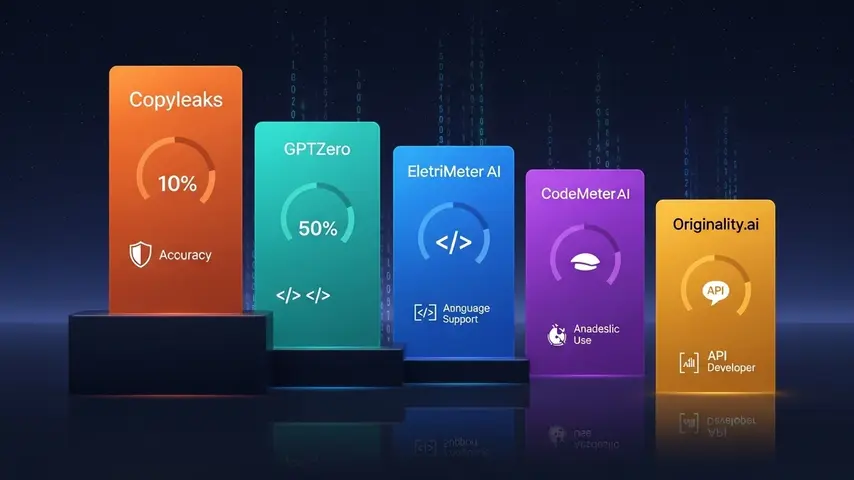
1. Copyleaks Code Detection — Most Reliable Overall
Copyleaks extends its text detection capabilities into code with surprisingly solid results. It analyzes code structure, variable naming patterns, comment styles, and implementation approaches to identify AI-generated segments.
✅ Strengths
- Highest accuracy in testing (75-82%)
- Supports 30+ programming languages
- Combined code + text detection
- Enterprise API available
- Highlights specific AI-flagged sections
- Active model updates for new AI tools
❌ Limitations
- Premium pricing — no meaningful free tier
- Struggles with heavily refactored AI code
- Accuracy drops on shorter code snippets
- Can flag common algorithm implementations as AI
Best for: Academic institutions and companies running coding assessments who need the most reliable detection available.
2. GPTZero Code Module — Academic Standard
GPTZero added code detection to its existing text analysis platform. The code module examines structural patterns, coding style consistency, and implementation complexity to assess AI likelihood.
✅ Strengths
- Integrated with educational LMS platforms
- Good accuracy on assignment-length code (70-78%)
- Batch processing for multiple submissions
- Familiar interface for educators already using GPTZero
- Confidence scoring per code section
❌ Limitations
- Limited programming language support
- Less effective on professional production code
- Higher false positive rate on beginner code
- Premium subscription required for code features
Best for: Computer science professors and academic institutions already using GPTZero for text detection.
3. CodeMeter AI — Purpose-Built for Code
Unlike general AI detectors that added code as a feature, CodeMeter AI was built specifically for detecting AI-generated code. Its analysis focuses on code-specific signals — variable naming conventions, implementation patterns, error handling approaches, and structural complexity.
✅ Strengths
- Purpose-built for code detection specifically
- Analyzes coding style patterns deeply
- Good at distinguishing AI patterns in Python and JavaScript
- Developer-friendly API
- Reasonable free tier for testing
❌ Limitations
- Newer platform — smaller training dataset
- Limited language support compared to Copyleaks
- Accuracy inconsistent across different code styles
- Documentation could be more thorough
Best for: Development teams and CTOs who need dedicated code-specific AI detection with API integration.
4. Originality.ai Code Scanner — Best Combined Solution
Originality.ai — already the strongest text detector — expanded into code analysis in late 2024. While its code detection is newer than its text capabilities, the foundation is solid and improving rapidly with each model update.
✅ Strengths
- Combined text + code detection in one platform
- Strong underlying AI detection model
- Line-by-line AI probability highlighting
- Team and API features for organizations
- Rapidly improving code detection accuracy
❌ Limitations
- Code detection still maturing compared to text
- No free plan available
- Fewer supported programming languages
- Premium pricing ($14.95/month)
Best for: Teams needing a single platform for both text and code AI detection with professional-grade accuracy.
AI Coding Checker — Free Options Worth Trying
Not ready to invest in premium tools? These free AI coding checker options provide useful — if limited — detection capabilities:
| Free Tool | Code Accuracy | Languages Supported | Best Feature | Limitation |
|---|---|---|---|---|
| ZeroGPT Code | ⭐⭐⭐ | Python, JS, Java | No signup required | Basic analysis only |
| Sapling Code | ⭐⭐⭐ | Multiple languages | API access included | Short snippet limits |
| CodeQuiry | ⭐⭐ | 15+ languages | Plagiarism + AI check | Primarily plagiarism focused |
Reality check: Free AI coding checkers are useful for quick spot-checks but shouldn’t be relied upon for high-stakes decisions like academic integrity rulings or hiring evaluations. The accuracy gap between free and premium tools is larger in code detection than in text detection.
AI Coding Platforms — What Detectors Are Up Against
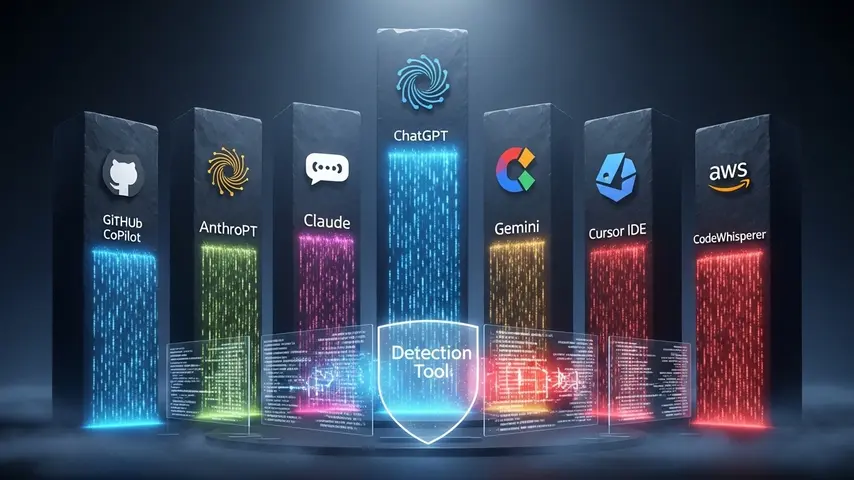
To understand why detection is so challenging, here’s what the major AI coding platforms currently produce:
| Platform | Code Quality | Detection Difficulty | Most Used For |
|---|---|---|---|
| GitHub Copilot | ⭐⭐⭐⭐⭐ | Very Hard | Inline code completion |
| ChatGPT (GPT-4o) | ⭐⭐⭐⭐ | Hard | Full function/file generation |
| Claude (Anthropic) | ⭐⭐⭐⭐⭐ | Very Hard | Complex system design |
| Gemini (Google) | ⭐⭐⭐⭐ | Hard | Multi-language generation |
| Cursor IDE | ⭐⭐⭐⭐⭐ | Extremely Hard | Full project development |
| Amazon CodeWhisperer | ⭐⭐⭐⭐ | Hard | AWS-integrated development |
The detection difficulty column reveals the core challenge: the best AI coding platforms now produce code that’s structurally indistinguishable from expert human code. Cursor IDE is particularly problematic for detectors because it generates code within the context of your existing codebase, making it blend seamlessly with human-written surrounding code.
AI Coding Leaderboard — Accuracy Comparison
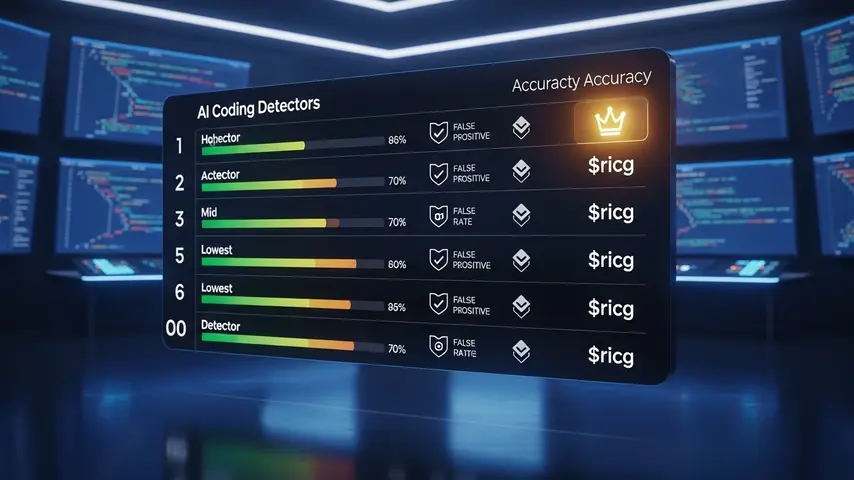
Based on my testing across all code samples, here’s the definitive AI coding leaderboard ranking every detector by real-world accuracy:
| Rank | Detector | Overall Accuracy | False Positive Rate | Best Language | Price |
|---|---|---|---|---|---|
| 🥇 | Copyleaks Code | 75-82% | 8% | Python | $9.99+/mo |
| 🥈 | GPTZero Code | 70-78% | 12% | Python | $10+/mo |
| 🥉 | CodeMeter AI | 68-76% | 10% | JavaScript | Free / $15/mo |
| 4th | Originality.ai | 65-75% | 9% | Python | $14.95/mo |
| 5th | ZeroGPT Code | 55-65% | 18% | Python | Free |
| 6th | Sapling Code | 50-62% | 15% | Multiple | Free / $25/mo |
| 7th | CodeQuiry | 45-58% | 20% | Java | Free / $9/mo |
Key takeaway: Even the best AI coding detector achieves only 75-82% accuracy — significantly lower than the 90-94% achievable with text detection. This means AI code detection should be used as supporting evidence in assessments, never as the sole basis for accusations of AI usage.
Practical Strategies Beyond Detection Tools
Given the accuracy limitations of current detectors, smart educators and hiring managers combine tool-based detection with these supplementary strategies:
- Live code reviews — Ask candidates or students to explain their code verbally. Someone who wrote the code can explain their reasoning; someone who pasted AI output often can’t
- Incremental commit analysis — Genuine human coding shows iterative progress through version control. AI-generated code often appears as a single large commit
- Style consistency checks — Compare the submitted code against previous submissions from the same person. Sudden dramatic style changes suggest AI involvement
- Problem modification — Slightly alter a standard coding problem. AI tools often produce near-identical solutions to well-known problems but struggle with novel modifications
- Process documentation — Require developers or students to document their thought process, debugging steps, and decision rationale alongside the code itself
These human-judgment strategies combined with automated detection tools create a much more reliable assessment framework than either approach alone.
Students navigating the balance between AI assistance and academic integrity need tools that support — not replace — their learning. Our guide on getting Canva Pro free for students covers another powerful tool that enhances academic work ethically without crossing integrity boundaries.
The Bottom Line
AI coding detector technology in 2026 is useful but imperfect. The best tools — Copyleaks, GPTZero, CodeMeter AI, and Originality.ai — provide valuable signals that help educators, hiring managers, and development leads identify potential AI-generated code. But they’re not infallible truth machines.
The smart approach combines automated detection with human judgment. Use detectors for initial screening and flagging. Follow up with code reviews, explanatory interviews, and process analysis for anything consequential. And stay realistic about what these tools can and cannot prove.
The arms race between AI code generation and AI code detection will continue accelerating. The detectors available today are the least sophisticated they’ll ever be. But they’re also the best starting point we have — and using them intelligently is far better than ignoring the challenge entirely.
Frequently Asked Questions
What is an AI coding detector?
An AI coding detector is a tool that analyzes source code to determine whether it was written by a human programmer or generated by an AI tool like GitHub Copilot, ChatGPT, or Claude. These detectors examine coding patterns, variable naming conventions, implementation approaches, structural complexity, and style consistency to calculate an AI probability score for the submitted code.
How accurate are AI code detectors in 2026?
The most accurate AI coding detectors achieve 75-82% accuracy — significantly lower than text-based AI detectors which reach 90-94%. This accuracy gap exists because code follows strict syntax rules and standardized patterns that make human and AI code inherently more similar than human and AI prose. The best results come from combining automated detection with human review strategies.
Is there a free AI coding checker available?
Yes. ZeroGPT, Sapling, and CodeQuiry all offer free AI coding checker capabilities. However, free tools typically achieve 45-65% accuracy — lower than premium alternatives. They’re useful for quick spot-checks and initial screening but shouldn’t be used as the sole basis for academic integrity decisions or hiring evaluations where accuracy is critical.
Can AI coding detectors identify GitHub Copilot code?
Detecting Copilot-generated code is particularly challenging because Copilot generates code inline within your existing codebase, blending its output with your surrounding human-written code. Current detectors catch fully Copilot-generated files more reliably than Copilot-assisted partial suggestions. Accuracy for detecting Copilot specifically ranges from 60-75% depending on the detector and code context.
Which AI coding platforms are hardest to detect?
Cursor IDE and Claude produce the hardest-to-detect AI code because they generate contextually aware implementations that closely mimic human coding patterns. GitHub Copilot is also difficult because it produces code fragments within existing human-written files rather than standalone generated outputs. The more context an AI tool has about your project, the harder its output is to detect.
Should I rely solely on AI coding detectors for academic integrity?
No. Given the current accuracy limitations (75-82% at best), AI coding detectors should be used as one data point within a broader assessment framework. Combine automated detection with live code reviews, version control analysis, style consistency checks, and process documentation requirements. No student or professional should face consequences based solely on an automated detection score.


I like this blog so much, saved to fav.
thank you