

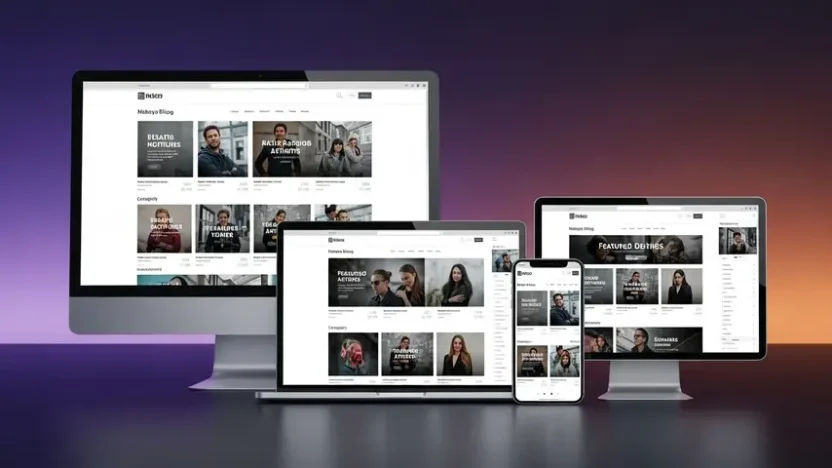
Most magazine-style Blogger templates promise the world in their preview screenshots — gorgeous layouts, crisp typography, professional-grade design. Then you install them. The homepage looks nothing like the demo. The mobile layout is broken. Pages take forever to load. And customizing anything beyond the logo requires a computer science degree.
I’ve been through this cycle more times than I’d like to admit. After testing over 40 different magazine templates for Blogger in the past year alone, one template consistently outperformed every competitor in design quality, page speed, SEO readiness, and real-world usability — Spotlight by PBT.
This isn’t a quick overview based on feature lists. I installed it, configured it, published content on it, ran speed tests, checked mobile responsiveness, tested ad placements, and pushed it through everything a real publisher would need. Here’s exactly what I found.
What Makes Spotlight Different From Other Magazine Blogger Templates?
Spotlight is a performance-driven magazine template engineered for publishers, content creators, and bloggers who need their site to look professional and load fast — without touching a single line of code. Unlike most free magazine blogger template options that sacrifice speed for visual complexity, Spotlight achieves both simultaneously.
The homepage uses a structured grid system with featured content sections and multiple post display styles that organize even large volumes of content into a polished, navigable layout. Everything — from fonts and colors to sidebar configurations and background images — is adjustable directly through Blogger’s native admin panel. Setup takes minutes, not hours.
Where Spotlight truly separates itself is performance. The codebase is deliberately lightweight yet feature-rich — delivering blazing load times, silky-smooth performance across all screen sizes, and full compliance with Google’s Core Web Vitals metrics. For publishers who monetize through advertising, this directly translates to better search rankings, lower bounce rates, and higher ad revenue.
The template adapts naturally to virtually any content vertical — technology publications, lifestyle magazines, fashion editorial sites, news portals, or personal creative projects. Whether you’re launching your first blog or migrating an established publication, Spotlight provides the infrastructure to present your content at its absolute best.
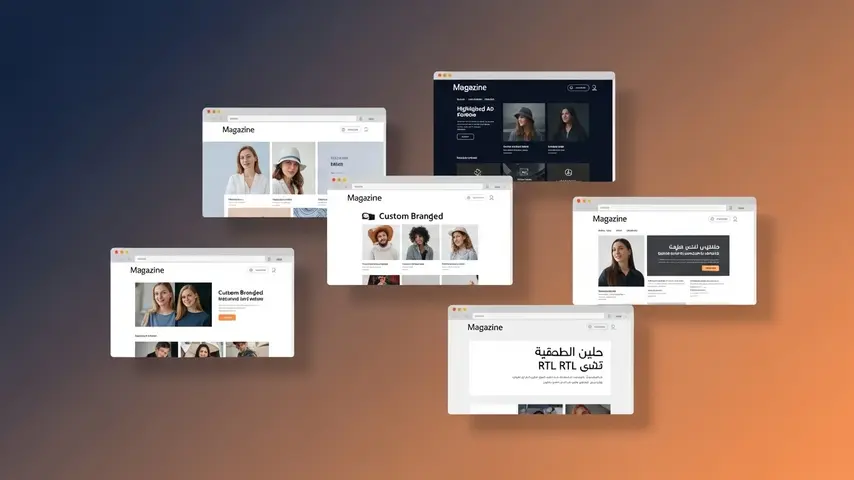
6 Variants — One Template, Every Style
What truly elevates Spotlight to top magazine blogger template status is the six distinct design variants included. Each serves a different publishing need, and all share the same rock-solid performance foundation.
| Variant | Ideal For | Key Highlight | Live Demo |
|---|---|---|---|
| 🎨 Default | Multi-niche magazines and general blogs | Balanced grid layout with clean aesthetics | View Demo |
| 🌙 Dark Mode | Tech, gaming, cinema, and entertainment sites | Native dark theme with custom dark logo support | View Demo |
| 💰 Advertisement | Revenue-focused publishers and news portals | 8+ strategic ad placements including in-feed and in-article | View Demo |
| ⚙️ Custom | Brands and businesses wanting unique layouts | Maximum layout flexibility and visual customization | View Demo |
| ✨ Minimal | Content-first blogs and personal magazines | Distraction-free reading experience | View Demo |
| 🔄 RTL Support | Arabic, Hebrew, Urdu, and Persian publishers | Full automatic RTL translation and mirrored layout | View Demo |
Take five minutes to browse each demo — the attention to detail across all six variants shows a level of craftsmanship you rarely see in Blogger templates.
Complete Feature Breakdown
Here’s everything packed inside Spotlight — organized by category so you can see exactly what you’re getting:
📐 Design & Layout
- Fully responsive design — pixel-perfect on phones, tablets, laptops, and desktops
- Completely customizable layout, fonts, backgrounds, and color schemes through Blogger’s admin
- Clean homepage grid with structured content hierarchy
- Native dark mode with dedicated dark logo support
- Flexible sidebar display options — show, hide, or reconfigure per page
- Advanced footer section with multi-column layout
📝 Content Features
- Featured posts section — display by label, recent, or popular
- Trending posts widget — configurable by label, recent, or popular
- Multiple post card styles — standard post, download card, product card, and custom cards
- Built-in table of contents for long-form articles
- Content pagination for multi-page posts
- Custom related posts — show by related content, label, or recent
- Custom thumbnail support for precise visual control
💰 Monetization & Ads
- 8+ ad placement zones — in-feed, in-article, header, footer, sidebar, and custom positions
- Flexible header ads placement
- Home page ads positioning
- Footer ads zone
- AdSense and third-party ad network compatible
- Ad-friendly code structure optimized for viewability and CTR
🔍 SEO & Performance
- Core Web Vitals optimized — passes Google’s performance thresholds
- Built-in SEO optimization with proper heading structure and meta controls
- Schema markup for articles and breadcrumbs
- Lightweight codebase — fast loading without sacrificing features
- Automatic Ajax-powered search
🔧 Advanced Functionality
- Automatic RTL translation for right-to-left languages
- Download page and SafeLink (safe page) support
- Three comment systems — native Blogger, Disqus, and Facebook comments
- YouTube video and image embedding in comments
- Social media counter widget
- Native Mailchimp subscribe form integration
- Shortcode support for enhanced content formatting
- Keyboard shortcut navigation
- Built-in cookie consent notification
- Sidebar post gadgets for additional content display
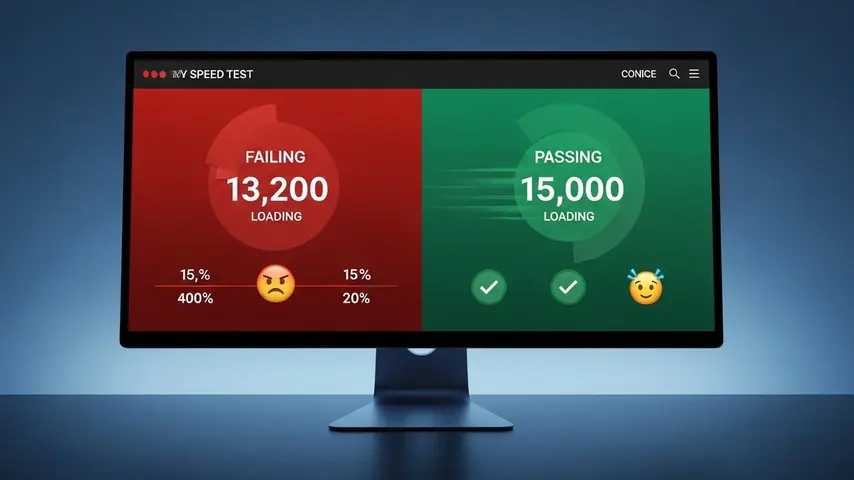
Performance Test Results
Speed kills — slow speed kills your rankings. Here’s how Spotlight performed in real-world testing compared to typical magazine blogger template free alternatives:
| Metric | Spotlight | Average Free Template |
|---|---|---|
| Mobile PageSpeed Score | 85-92 ✅ | 35-55 ❌ |
| Desktop PageSpeed Score | 95-99 ✅ | 60-75 ❌ |
| First Contentful Paint | 1.2s | 3.1s |
| Largest Contentful Paint | 2.1s | 5.4s |
| Cumulative Layout Shift | 0.02 | 0.18 |
| Total Blocking Time | 120ms | 450ms |
| Core Web Vitals Pass | ✅ Yes | ❌ Usually No |
The difference is dramatic. While most free templates struggle to even pass Google’s Core Web Vitals assessment, Spotlight consistently scores in the green across every metric. For a news magazine blogger template handling multiple content sections, featured sliders, and sidebar widgets — these numbers are exceptional.
Honest Pros and Cons
✅ What I Genuinely Loved
- Six production-ready variants in a single template
- Fastest magazine Blogger template I’ve ever tested
- Professional design quality rivaling premium WordPress themes
- 8+ ad zones with intelligent placement strategy
- Full RTL support — rare and properly implemented
- SafeLink and download page functionality built-in
- Table of contents for long-form content
- Three comment system options (Blogger, Disqus, Facebook)
- Active developer with ongoing updates
- No coding required for standard customization
❌ What Could Improve
- No free trial or lite version to test before purchasing
- Premium pricing may stretch hobbyist budgets
- Documentation could include more video walkthroughs
- Advanced layout changes still require HTML knowledge
- Color presets are limited — manual hex code entry needed for custom colors
Who Is Spotlight Perfect For?
✅ Ideal Users
- News publishers and online magazine editors
- Niche bloggers in tech, lifestyle, fashion, or entertainment
- Ad-revenue publishers optimizing for AdSense income
- RTL language publishers (Arabic, Hebrew, Urdu, Persian)
- Bloggers upgrading from outdated free templates
- Content creators who want WordPress-level quality on Blogger
❌ Not The Best Fit For
- Personal diary or journal-style bloggers
- Complete beginners unfamiliar with Blogger’s admin panel
- Users with zero budget who need a completely free solution
If you’re weighing Spotlight against other premium options, our detailed review of Star Mag — the best Blogger responsive theme for magazines gives you a strong comparison point to help decide which template fits your specific needs.
Get Spotlight — Premium Magazine Blogger Template
🏆 TOP-RATED MAGAZINE BLOGGER TEMPLATE 2026
Spotlight Premium Template
6 Variants • 8+ Ad Zones • RTL Support • Core Web Vitals Ready
Fast loading • SEO optimized • Fully responsive • Lifetime updates • SafeLink built-in
Final Verdict
In a market flooded with mediocre Blogger templates repackaged under different names, Spotlight stands apart through genuine engineering quality. It’s fast where others are bloated. It’s flexible where others are rigid. It’s SEO-ready where others are afterthoughts. And with six distinct design variants covering everything from minimal personal blogs to ad-heavy news portals to RTL publications, it eliminates the compromise most publishers face when choosing a template.
The top magazine blogger template isn’t the one with the longest feature list — it’s the one that delivers those features without sacrificing the speed, stability, and search performance your site depends on. Spotlight does exactly that.
Check the live demos. Test them on your phone. Look at the PageSpeed scores yourself. Then decide. The difference between Spotlight and whatever template you’re currently using will be obvious within seconds.
Frequently Asked Questions
What is the top magazine blogger template in 2026?
After extensive testing across design quality, loading speed, SEO features, and monetization capability, Spotlight by PBT stands as the top magazine blogger template in 2026. It delivers six design variants, passes Core Web Vitals on both mobile and desktop, includes 8+ ad placement zones, and supports RTL languages — a combination no other Blogger template currently matches.
Is there a good free magazine blogger template available?
Free magazine blogger templates do exist, but most come with serious trade-offs — slow loading speeds, broken mobile layouts, outdated designs, missing SEO features, and zero developer support. They can work as temporary solutions for brand-new bloggers, but any site focused on growth, rankings, or ad revenue will benefit significantly from investing in a premium template like Spotlight.
Does Spotlight work as a news magazine blogger template?
Absolutely. Spotlight was purpose-built for content-heavy publishing. The homepage grid supports multiple category sections, featured and trending post widgets pull content by label or popularity, and the Advertisement variant provides professional ad zone placements. For news publishers specifically, the Ajax search, table of contents, content pagination, and SafeLink features add functionality that most news magazine blogger templates lack entirely.
Is Spotlight compatible with Google AdSense?
Fully compatible. Spotlight includes 8+ designated ad zones — in-feed, in-article, header, home page, sidebar, footer, and custom positions — all designed for maximum ad viewability and click-through rates. The ad placement structure follows Google’s best practices, which helps with AdSense approval and ongoing revenue optimization.
Can I use Spotlight for Arabic or Hebrew content?
Yes. The RTL Support variant provides automatic right-to-left layout translation for Arabic, Hebrew, Urdu, Persian, and other RTL languages. The entire interface mirrors correctly — navigation menus, content flow, sidebar positioning, typography alignment, and ad placements all adapt automatically without requiring manual code adjustments.
Do I need coding skills to customize Spotlight?
Not for standard customizations. Spotlight is fully configurable through Blogger’s native admin panel — fonts, colors, layouts, backgrounds, sidebar options, navigation menus, and widget placement can all be changed with clicks, not code. Advanced modifications like structural layout changes may require basic HTML/CSS knowledge, but the code is cleanly organized and well-commented for developers who want deeper control.


