

In the digital age, video is king. Whether you are launching a YouTube channel, creating TikTok shorts, or building a portfolio for your blog, high-quality video content is non-negotiable. However, there is a common misconception that you need to spend hundreds of dollars on software like Adobe Premiere Pro or Final Cut to achieve professional results.
That is simply not true anymore.
Today, the market is filled with powerful video editing programs free of charge that rival their paid counterparts. In this results-oriented guide, we have tested and ranked the best free software available in 2026. These tools will help you cut, edit, and render stunning videos without spending a dime.
Quick Comparison: Which Tool Is Right For You?
If you are in a rush, here is a quick breakdown of the best video editing programs free for different types of users:
| Software | Best For | Platform | Difficulty |
|---|---|---|---|
| DaVinci Resolve | Professional Filmmakers | Win, Mac, Linux | High (Pro Level) |
| CapCut Desktop | TikTok/Shorts & Beginners | Win, Mac | Low (Easy) |
| Shotcut | Low-End PCs | Win, Mac, Linux | Medium |
| HitFilm Express | VFX & Sci-Fi Effects | Win, Mac | Medium-High |
1. DaVinci Resolve: The Hollywood Standard
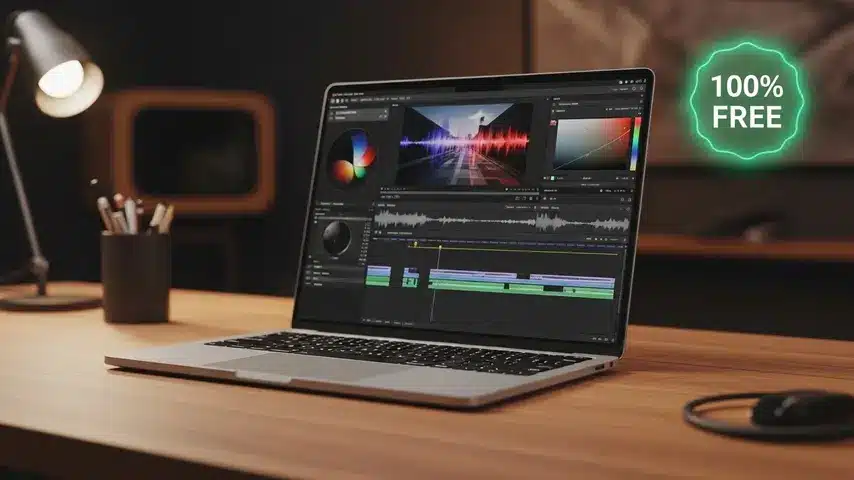
When searching for video editing programs free, DaVinci Resolve is invariably the top recommendation for anyone serious about video production. This is not just a “free version” with limited features; it is a professional-grade tool used in actual Hollywood blockbusters.
Key Features:
- World-Class Color Correction: DaVinci started as a color grading tool, and it remains the industry leader. You can make cheap camera footage look cinematic.
- Fairlight Audio: A fully integrated digital audio workstation built right into the software.
- Fusion VFX: Create motion graphics and special effects without leaving the app.
If you are willing to learn, DaVinci Resolve is the absolute best free video editor on the market. However, it requires a powerful computer (GPU) to run smoothly.
2. CapCut Desktop: The Viral Content Machine
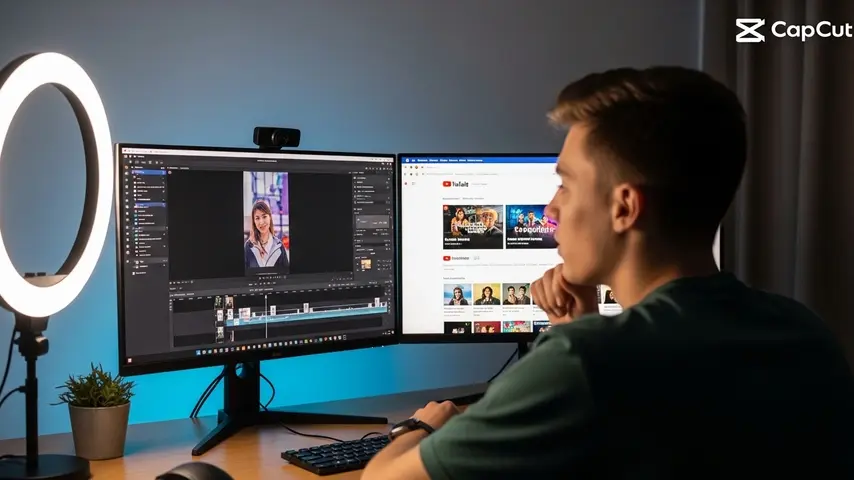
Originally a mobile app, the desktop version of CapCut has taken the content creation world by storm. If your goal is to create engaging social media content, YouTube Shorts, or Instagram Reels, this is one of the most efficient video editing programs free to download.
Why It Wins for Creators:
- Auto-Captions: It automatically generates subtitles for your videos in seconds—a crucial feature for user retention.
- Trendy Assets: Built-in stickers, transitions, and music libraries that are currently trending on social media.
- Speed: It is incredibly lightweight and renders videos faster than most professional software.
3. Shotcut: The Open Source Hero
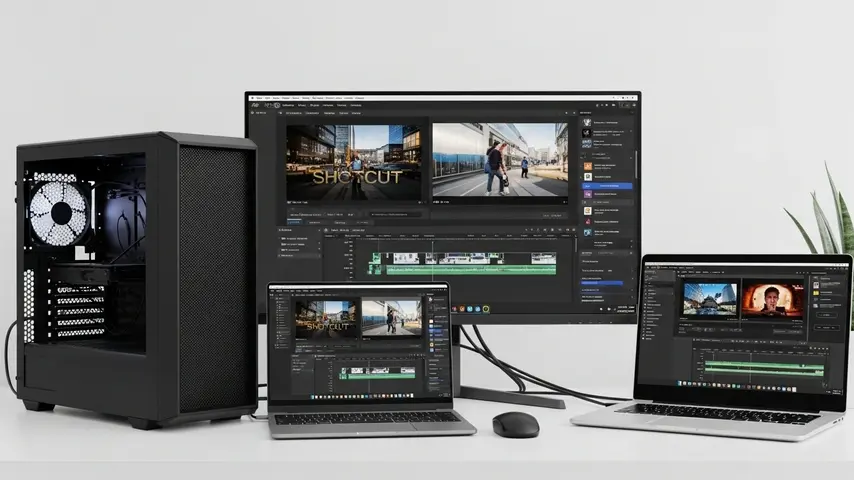
For users who don’t have a $2,000 gaming PC, Shotcut is a lifesaver. It is an open-source program, meaning it is completely free with no paywalls or hidden “pro” features.
Shotcut supports a wide range of formats and creates a non-linear video editing timeline. While the interface might look a bit dated compared to CapCut, it is highly customizable. It handles 4K resolution editing surprisingly well on older hardware, making it a staple in the list of video editing programs free for low-spec laptops.
4. HitFilm: For Aspiring VFX Artists
Do you want to add lightsabers, explosions, or 3D models to your videos? HitFilm (formerly HitFilm Express) is designed for the new generation of creators who want to experiment with Visual Effects (VFX).
While the free version has become slightly more restricted in recent updates, it still offers a robust set of compositing tools that you won’t find in other free editors. It bridges the gap between editing and visual engineering.
Pro Tip: Don’t Let Your Website Slow Down Your Content
Creating a high-quality video is only half the battle. Once you have rendered your masterpiece using these video editing programs free of cost, you need a place to showcase it.
Uploading videos directly to a slow, unoptimized website can kill your traffic. Viewers hate buffering, and they hate slow-loading portfolio pages.
Why Smart Creators Use Optimized Themes
If you are embedding your YouTube videos onto your blog to increase views and ad revenue, your website template matters. A heavy theme will hurt your SEO rankings.
This is where wRock comes in. We build premium, high-performance Blogger templates designed for creators who need speed. Our themes are:
- SEO Native: Structured data is baked into the code.
- AdSense Optimized: Strategic ad slots to maximize your revenue without annoying visitors.
- Blazing Fast: Clean coding ensures your video portfolio loads instantly.
Stop letting technical issues hold back your content career. Explore our Premium Templates at wRock.org and give your videos the professional home they deserve.
Frequently Asked Questions (FAQ)
What video editing software is the best?
For professional results, DaVinci Resolve is widely considered the best video editing software available today, both free and paid. It offers industry-standard color grading, audio post-production, and visual effects in a single application. However, for beginners or social media creators, CapCut Desktop is the best option for ease of use and speed.
What video editing software do YouTubers use?
Most successful YouTubers use one of three programs: Adobe Premiere Pro (Paid), Final Cut Pro (Paid/Mac), or DaVinci Resolve (Free/Paid). Recently, many lifestyle vloggers and Shorts creators have also started using CapCut because of its efficient workflow and built-in effects.
Which video editing software is best?
The “best” software depends on your hardware and goals. If you have a powerful computer and want Hollywood quality, the answer is DaVinci Resolve. If you have an older laptop, the best option is Shotcut. If you prioritize speed for social media, the best choice is CapCut.
What video editing software is free?
There are several excellent video editing programs free to download. The top recommendations in 2026 are DaVinci Resolve (Professional), CapCut (Social Media), Shotcut (Open Source), and OpenShot (Basic). None of these programs watermark your video in their free versions.


