

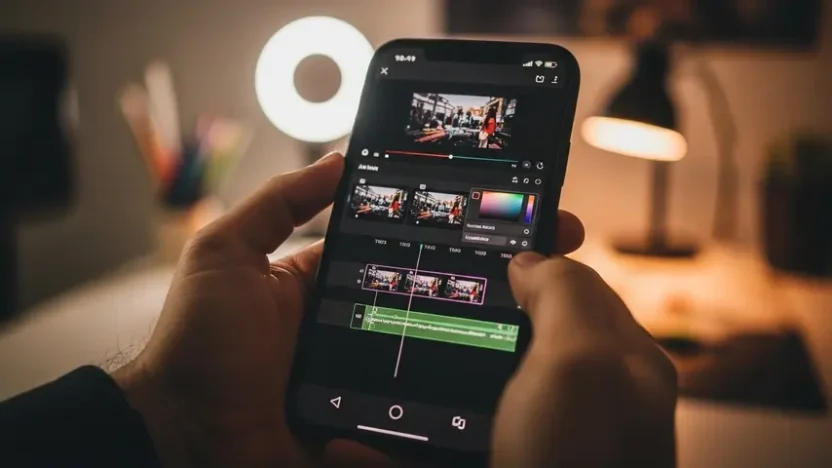
Your iPhone shoots cinematic 4K video. The hardware is stunning. But that gorgeous footage is worthless if your editing app can’t keep up — crashing mid-export, slapping watermarks on your final cut, or offering “pro features” locked behind a subscription you didn’t expect.
I’ve been editing video on iPhones since the iPhone 11 era. Over the years, I’ve tested virtually every editing app that’s hit the App Store — from free tools to premium subscriptions. Most disappoint. A few genuinely deliver. And the gap between the best and the rest has never been wider than it is right now in 2026.
This guide covers the best editing video app for iPhone options I’ve personally used on real projects — YouTube videos, client content, Instagram Reels, and even a short film. Every recommendation comes from actual editing sessions, not feature-list comparisons copied from the App Store.
What Makes an iPhone Video Editing App Actually Good?
Before we get into specific apps, here’s the criteria I used to evaluate each one. These are the things that matter when you’re actually editing — not just browsing screenshots:
- Timeline stability — Does it handle 10+ clips without lagging or crashing on your iPhone?
- Export quality — Can you render in full 4K without compression artifacts destroying your footage?
- No forced watermarks — If the free version brands your video, it’s not truly free
- Intuitive touch controls — Desktop editing logic doesn’t translate to mobile. The best apps are designed for fingers, not cursors
- Audio editing — Music syncing, voiceover recording, and sound mixing matter as much as visual cuts
- AI-powered features — Auto-captions, smart trimming, background removal, and intelligent color correction are no longer optional in 2026
- Regular updates — Apps that haven’t been updated in six months are falling behind rapidly
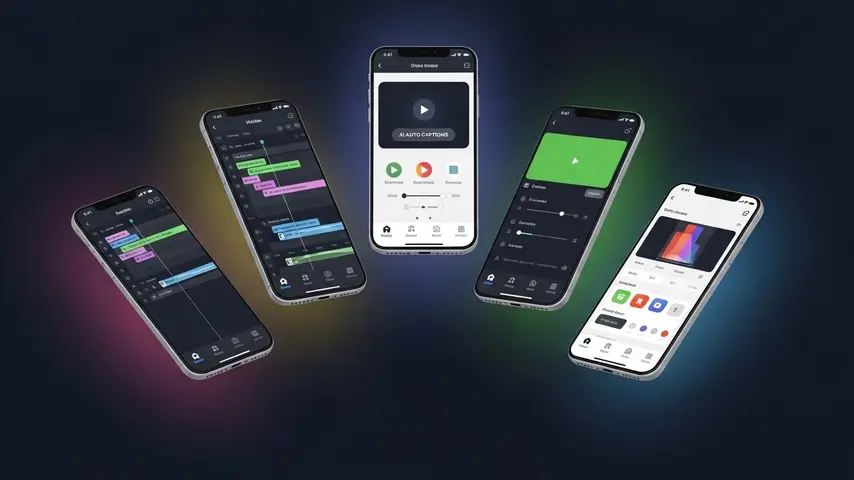
Top 5 Editing Apps for iPhone — The Best of the Best
If you want the quick answer — here are the top 5 editing app choices that consistently outperformed everything else in my testing:
1. LumaFusion — The Professional Powerhouse
LumaFusion isn’t just the best video editing app on iPhone — it’s arguably the best mobile editing software on any platform, period. Professional editors use it for broadcast content, documentary work, and YouTube production. The multi-track timeline supports up to 12 tracks (6 video, 6 audio), and the color grading tools rival desktop software.
✅ Strengths
- True multi-track timeline with professional controls
- No subscription — one-time purchase ($29.99)
- 4K and HDR export without watermarks
- Advanced color correction with LUT support
- Magnetic timeline prevents clip gaps
- Direct export to YouTube, Vimeo, and social platforms
❌ Limitations
- Steeper learning curve than casual editors
- No AI-powered auto-caption feature built-in
- Interface can feel dense on smaller iPhone screens
- No free version available
Best for: Serious creators, YouTubers, and professionals who want desktop-grade editing without leaving their iPhone.
2. CapCut — The AI-Powered Content Machine
CapCut has evolved far beyond its TikTok editing origins. The 2026 version is packed with AI features that genuinely speed up the editing process — auto-captions that are actually accurate, one-tap background removal, intelligent color matching, and even AI-generated B-roll suggestions.
✅ Strengths
- Best AI auto-caption accuracy on mobile
- Massive free template and effect library
- One-tap background removal
- Trending effects synced with social platforms
- Free 1080p export without watermarks
- Incredibly beginner-friendly interface
❌ Limitations
- 4K export requires Pro subscription
- Some premium effects locked behind paywall
- Limited multi-track capabilities
- Heavy battery consumption during extended edits
Best for: Social media creators, Reels/TikTok/Shorts editors, and anyone who wants AI to handle the tedious parts of editing.
3. iMovie — The Reliable Built-In Classic
Already on your iPhone. Free. No watermarks. No subscriptions. iMovie remains the most accessible entry point for iPhone video editing, and Apple’s 2026 updates added improved stabilization, cinematic mode editing support, and refined audio tools.
✅ Strengths
- Completely free — pre-installed on every iPhone
- Clean, intuitive interface perfect for beginners
- 4K export at no cost
- Seamless integration with Apple ecosystem
- Cinematic mode footage editing support
- Solid built-in soundtrack library
❌ Limitations
- Only two video tracks — limiting for complex edits
- No AI features whatsoever
- Limited text customization and typography options
- No advanced color grading
Best for: Beginners, casual editors, and anyone who wants a clean simple edit without installing anything new.
4. Kinemaster — The Flexible Middle Ground
Kinemaster occupies the sweet spot between iMovie’s simplicity and LumaFusion’s complexity. It offers multi-layer editing, chroma key (green screen), speed controls, and a solid effects store — all wrapped in an interface that’s approachable without being limiting.
✅ Strengths
- Multi-layer timeline with good flexibility
- Built-in chroma key for green screen work
- Frame-by-frame trimming precision
- Large asset store for effects and transitions
- Supports 4K export
❌ Limitations
- Free version adds watermark
- Subscription model ($4.99/month or $39.99/year)
- Occasional lag with 4K footage on older iPhones
- AI features still limited compared to CapCut
Best for: Intermediate editors who’ve outgrown iMovie but aren’t ready for LumaFusion’s complexity.
5. InShot — The Quick Social Media Editor
When you need to edit a Reel, Story, or TikTok video in under five minutes, InShot is the fastest tool in the drawer. It’s not trying to be a professional editor — it’s trying to help you post great content quickly. And at that specific job, it excels.
✅ Strengths
- Fastest workflow for social media content
- Easy ratio adjustment (9:16, 1:1, 16:9, 4:5)
- Good music and sound effect library
- Text and sticker tools optimized for social content
- Free version is highly usable
❌ Limitations
- Not suitable for complex multi-clip projects
- Free version includes ads
- Limited color correction tools
- No multi-track audio editing
Best for: Social media managers and creators who prioritize speed and simplicity over advanced editing control.
Two More Worth Mentioning
6. VN Video Editor — The Hidden Gem
VN flies completely under the radar, which is a shame because it’s genuinely excellent. Multi-track timeline, keyframe animation, speed curves, and 4K export — all completely free with no watermarks and no subscription. The interface borrows the best elements from desktop editors while remaining touch-friendly.
Best for: Budget-conscious creators who want LumaFusion-level features without paying anything.
7. Adobe Premiere Rush — The Desktop Bridge
If you already use Adobe Premiere Pro on desktop, Rush makes sense as your mobile companion. Projects sync across devices seamlessly through Creative Cloud. The editing tools are simplified but maintain Adobe’s professional quality standards.
Best for: Existing Adobe subscribers who need mobile-to-desktop workflow continuity.
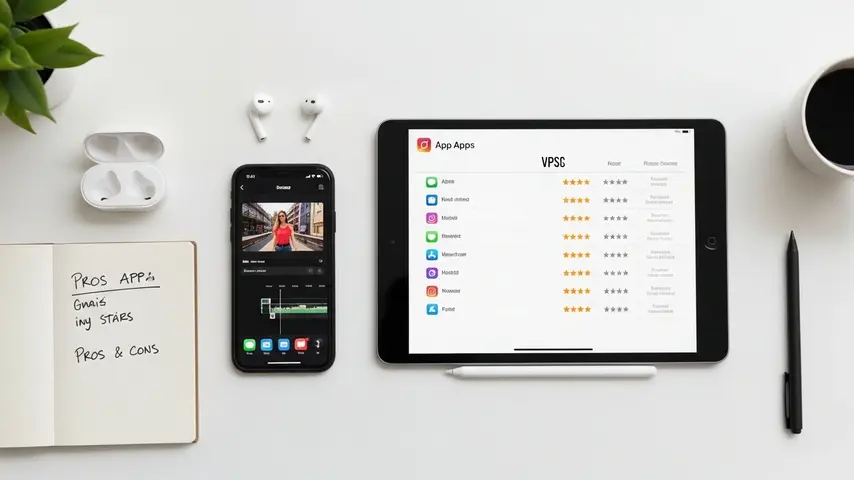
Quick Comparison Table
| App | Best Feature | Free? | 4K Export | AI Features | Watermark Free |
|---|---|---|---|---|---|
| LumaFusion | Pro multi-track editing | ❌ $29.99 | ✅ | Limited | ✅ |
| CapCut | AI auto-captions | ✅ Freemium | Pro only | ⭐⭐⭐⭐⭐ | ✅ (1080p) |
| iMovie | Pre-installed simplicity | ✅ Free | ✅ | ❌ | ✅ |
| Kinemaster | Green screen | ✅ Freemium | ✅ | ⭐⭐ | ❌ (free) |
| InShot | Speed for social | ✅ Freemium | ✅ | ⭐⭐ | ✅ (paid) |
| VN Editor | Free pro features | ✅ Free | ✅ | ⭐⭐ | ✅ |
| Premiere Rush | Adobe sync | ✅ Freemium | ✅ | ⭐⭐⭐ | ✅ (paid) |
How to Choose the Right App for You
Still deciding? Answer these three questions:
What type of content do you create?
- YouTube long-form → LumaFusion or VN Editor
- TikTok / Reels / Shorts → CapCut or InShot
- Professional client work → LumaFusion or Premiere Rush
- Casual personal videos → iMovie or VN Editor
What’s your budget?
- $0 → VN Editor (best free option) or iMovie (simplest free option)
- Under $5/month → Kinemaster or CapCut Pro
- One-time purchase → LumaFusion ($29.99 — best long-term value)
- Already paying Adobe → Premiere Rush (included in Creative Cloud)
How important are AI features?
- Essential → CapCut (industry-leading mobile AI)
- Nice to have → Premiere Rush or Kinemaster
- Don’t need them → LumaFusion, iMovie, or VN Editor
AI is transforming creative tools at every level — not just video editing. If you’re also creating written content alongside your videos, our review of the 7 best AI tools for writing in 2026 covers how AI writing assistants can complement your content creation workflow.
The Bottom Line
The best editing video app for iPhone isn’t the one with the longest feature list or the flashiest marketing. It’s the one that matches how YOU create content — your style, your pace, your budget, and your platform.
If you’re serious about quality, invest in LumaFusion once and never look back. If AI-powered speed is your priority, CapCut delivers like nothing else on mobile. If you just want to get started without spending a cent, VN Editor punches so far above its weight class it’s almost unfair to the competition.
The only wrong choice is not choosing at all. Pick one. Edit something today. You already have a cinema-grade camera in your pocket — now give it the editing app it deserves.
Frequently Asked Questions
What is the best editing video app for iPhone in 2026?
LumaFusion is the best overall editing video app for iPhone in 2026 for professional and serious creators. It offers multi-track editing, advanced color grading, 4K HDR export, and a one-time purchase price with no subscription. For social media creators who prioritize speed and AI features, CapCut is the strongest alternative.
What are the top 5 editing apps for iPhone?
The top 5 editing apps for iPhone based on real-world testing are LumaFusion (best professional editor), CapCut (best AI features), iMovie (best free built-in option), Kinemaster (best mid-range flexibility), and InShot (best for quick social media edits). Each excels at a different type of editing workflow.
Is there a completely free video editing app for iPhone without watermarks?
Yes. iMovie and VN Video Editor are both completely free with no watermarks. iMovie comes pre-installed on every iPhone and exports in 4K. VN Editor offers more advanced features including multi-track editing, keyframe animation, and speed curves — all free with no watermark and no subscription required.
What is the best video editing app for 2026?
Looking ahead, the best video editing app for 2026 will likely be whichever tool integrates AI most effectively into the editing workflow. Currently, CapCut leads in AI implementation, while LumaFusion leads in professional editing power. Apps that combine both — deep AI assistance with professional-grade controls — will dominate the next generation of mobile editing.
Can I edit professional videos on an iPhone?
Absolutely. With LumaFusion or VN Editor, your iPhone is capable of producing broadcast-quality edits. Modern iPhones have enough processing power to handle multi-track 4K timelines, color grading, and complex effects. Several professional YouTubers and filmmakers edit entirely on iPhone — the limiting factor is no longer the hardware or software, but the creator’s skill and vision.


Heya i am for the first time here. I came across this board and I find It really useful & it helped me out much. I hope to give something back and aid others like you helped me.