


Managing a blog on Google’s Blogspot platform comes with many perks: it’s free, fast, and reliable. However, it lacks one crucial feature that many webmasters desperately need: security controls. Unlike WordPress, you cannot simply install a plugin to ban a harasser or a spam bot.
If you are struggling with malicious traffic, you might be asking: “Is it possible to filter traffic by blogger ip address?”
The short answer is: Yes, but with a trick
Since you don’t have access to the server (.htaccess) on Blogspot, you cannot block an IP at the server level. However, you can use a clever JavaScript workaround to detect a visitor’s blogger ip address and redirect them away before they can see your content. In this guide, we will walk you through the safest, easiest DIY method to protect your blog.
Why Block a Specific Blogger IP Address?
Before we dive into the code, it is important to understand why monitoring your blogger ip address logs is vital for your site’s health. Malicious traffic can hurt your site in several ways:
- Invalid Ad Clicks: If a competitor keeps clicking your AdSense ads, your account could be banned. Blocking their IP is a necessary defense.
- Content Theft (Scrapers): Bots that automatically copy your articles often come from specific IP ranges.
- Spam Comments: While Blogger has a spam filter, some persistent trolls bypass it.
- Analytics Distortion: Fake traffic ruins your data, making it hard to know your real audience size.

Prerequisites: Before You Touch the Code
This tutorial involves editing your Blogger Theme HTML (`Edit HTML`). One wrong character can break your site’s layout. Please follow these safety steps first:
- Backup Your Theme: Go to Theme > Customize (Arrow Down) > Backup. Download the XML file.
- Identify the Target IP: You need to know exactly which blogger ip address you want to ban. You can find this using tools like StatCounter or Google Analytics.
| Method | Protection Level | Difficulty |
|---|---|---|
| JavaScript (This Guide) | Medium (Browser Level) | Easy (Copy-Paste) |
| Cloudflare WAF | High (Server Level) | Medium (DNS Setup) |
| Blogger Settings | None (Not Available) | N/A |
Step 1: The Magic Script (Copy This)
Since Blogger doesn’t know the visitor’s IP by default, we need to use a small, free API (like ipify or similar services) to fetch the visitor’s blogger ip address and compare it against your “Blacklist”.
Copy the code below. We have optimized it to be lightweight so it doesn’t slow down your page load speed.
How it works:
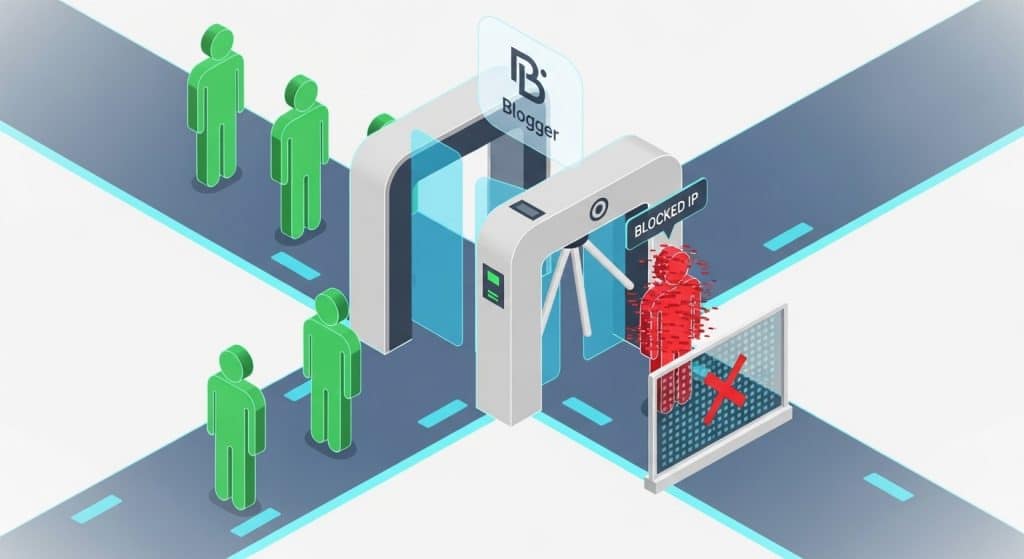
- The script contacts an API to ask: “What is this visitor’s IP?”
- It checks if that IP matches the ones you listed in
bannedIPs. - If it matches, the visitor is kicked out to Google.com immediately.
Step 2: Installing the Script on Blogger
Now that you have the code, here is how to place it correctly inside your template.
1. Access the HTML Editor
Log in to your Blogger Dashboard. Navigate to Theme and click the dropdown arrow next to the “Customize” button. Select Edit HTML.
2. Find the Closing Head Tag
Click inside the code area and press Ctrl + F (or Cmd + F on Mac). Search for the following tag:
< head >3. Paste the Code
Paste the JavaScript code from Step 1 directly above the </head> tag. This ensures the script loads early, blocking the blogger ip address before they can see your content.
4. Save and Test
Click the Save (Floppy Disk icon) at the top right. To test if it works, you can temporarily add your own IP address to the list. If you get redirected to Google, it works! (Don’t forget to remove your IP afterwards).
The Limitation: Client-Side vs. Server-Side
While this method is effective for stopping average users and basic bots, it is important to be honest about its limitations. This is a Client-Side block.
If a sophisticated hacker disables JavaScript in their browser, this protection will fail. Blogger does not offer Server-Side blocking.
If you need military-grade security where you can block an IP at the firewall level (so they can’t even load your site), you might want to consider two options:
- Use Cloudflare: You can route your custom domain (e.g.,
www.exsample.org) through Cloudflare and use their WAF to block IPs. - Migrate to WordPress: Self-hosted WordPress allows you to use powerful security plugins like Wordfence. If you are ready to upgrade, check out our optimized WordPress Themes at wRock which are designed for security and speed.
Frequently Asked Questions (FAQ)
Can I see who is visiting my blog by Blogger IP address?
Blogger’s default “Stats” tab does not show individual IP addresses for privacy reasons. To see the specific blogger ip address of your visitors, you must install a third-party tracking tool like Google Analytics 4 (GA4) or StatCounter on your blog.
Is there a plugin to block IP addresses on Blogger?
No, Blogger is not open-source like WordPress, so you cannot install security plugins. You must manually add JavaScript code (like the one in this guide) or use a DNS firewall service like Cloudflare to manage your blogger ip address blocking rules.
Does this script slow down my blog?
We use a lightweight API (ipify) which is very fast. However, every external request adds a few milliseconds to your load time. We recommend only using this script if you are actively under attack or dealing with severe spam.
Can the blocked user come back?
If the user changes their network or uses a VPN, their blogger ip address will change, and they can bypass the block. This is a game of “Whac-A-Mole.” This is why for professional sites, we recommend moving to a platform that supports stronger firewalls.


